Desktop software / Music tools
Preset Maestro
Select Fractal Audio presets and scenes, save named favourites, and browse your saved sounds.
- Status
- Windows release available
- Platforms
- Windows 10 version 2004 or later (64-bit)

A closer look
About the project
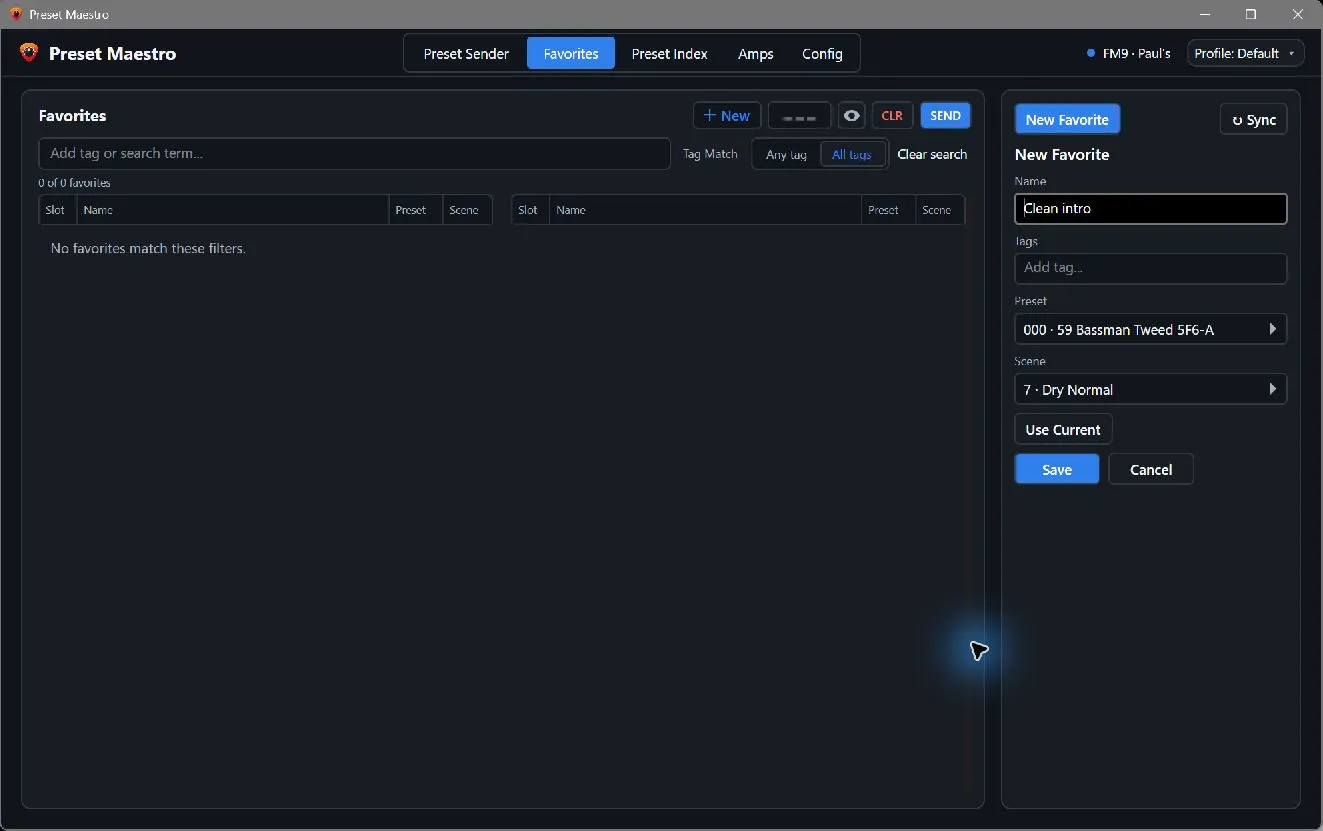
Preset Maestro is a desktop controller for Fractal Audio hardware. Select a preset or scene, save a useful combination as a named favourite, and organise favourites with tags and search.
The Preset Index lets you browse locally cached saved presets, Amp channels and scenes. Device scans support progress, cancellation and resume; exported profiles include snapshots for offline browsing.
FM9 preset and scene name reads are supported. FM3 and Axe-Fx III support identification and numeric preset sending, but name reads and scene-state tracking remain disabled until their device transactions are verified.
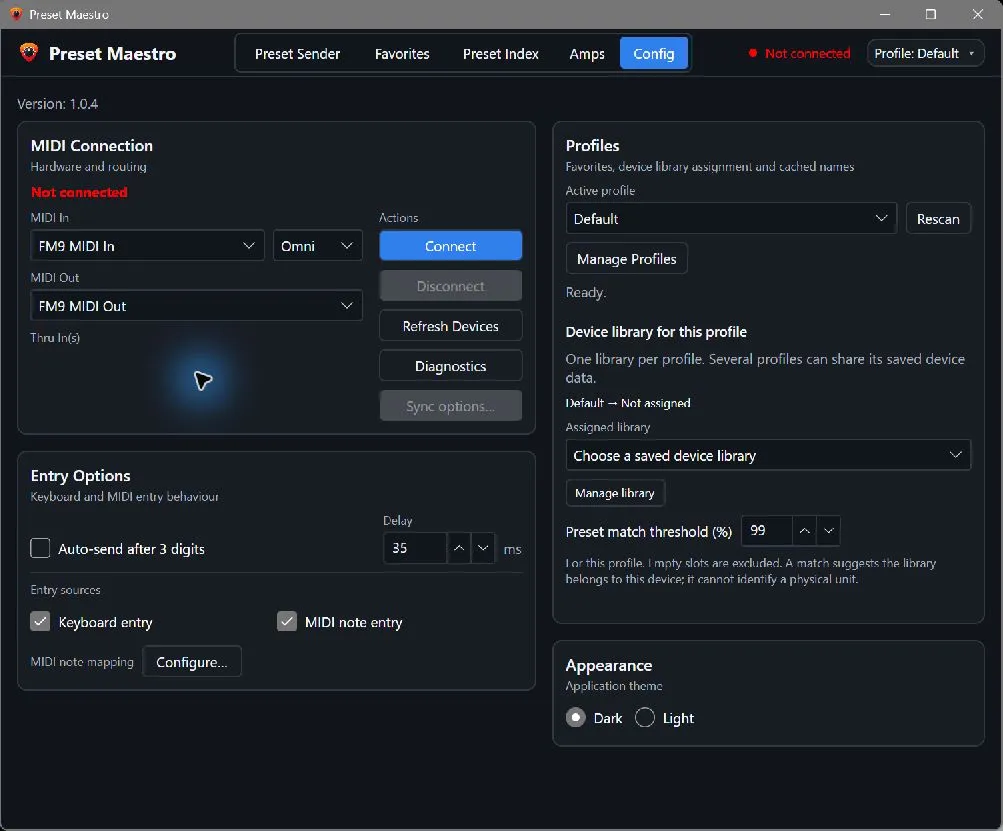
The Windows download is a self-contained executable. Connect your device over USB or a MIDI interface and follow the documentation for MIDI ports and device settings. Apple Silicon macOS support is in preparation; native launch and MIDI hardware checks are still pending.
Features
- Preset and scene selection over MIDI
- Named favourites with tags and text search
- Cached FM9 preset and scene names
- Preset Index with saved presets, Amp channels and scenes
- Separate profiles with import and export
An independent project. Not affiliated with or endorsed by Fractal Audio Systems.